
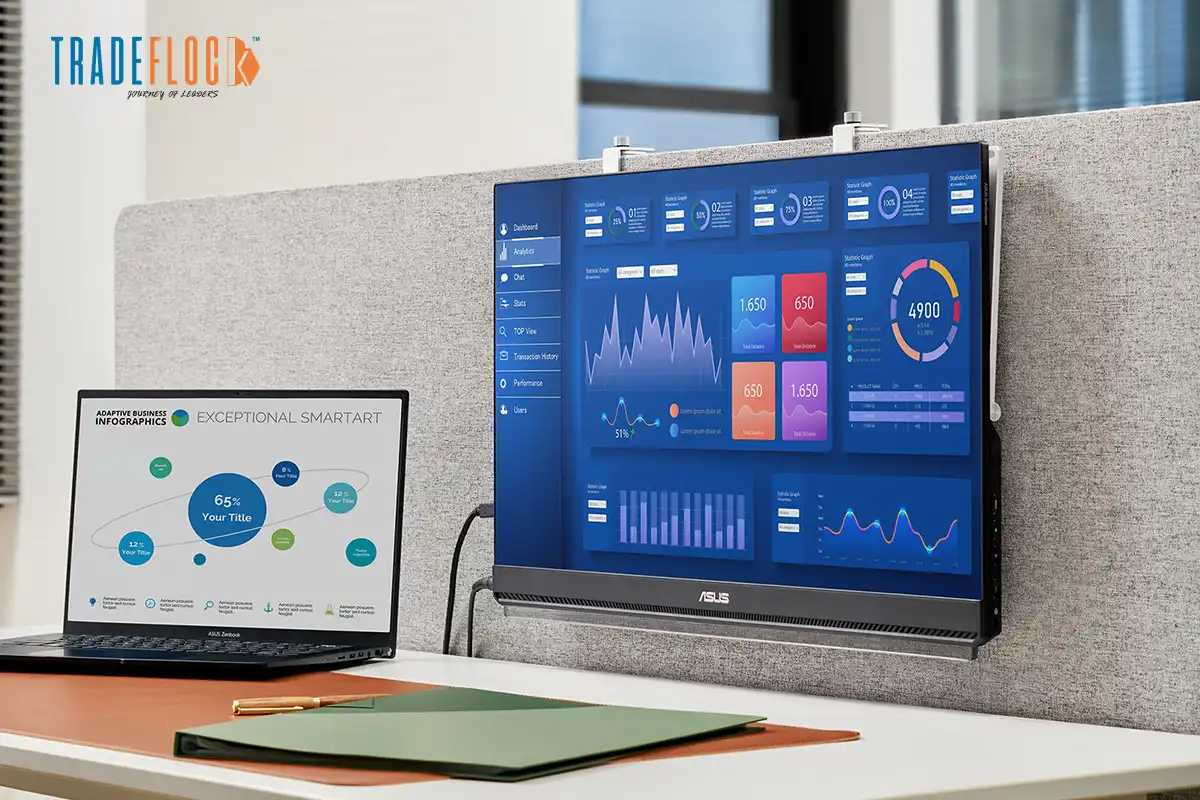
With the current working environment, which is extremely busy, multitasking on a single screen of a laptop is like attempting to make a fine meal with a hotplate. The solution? Adopting the dual-screen productivity. However, what happens when your office is a coffee shop, a co-working desk, or your living room couch? Introducing the 24-inch portable monitor: the final access to unlocking efficiency without having to be attached to a desk.
This is a petite powerhouse that can turn any laptop into a two-screen workstation, dramatically enhancing multitasking and workflow, as well as overall output. We shall see why this is the secret weapon of a modern professional and compare some of the best to find the one that best fits your productivity.
Table of Contents
Why Go Dual-Screen with a Portable Monitor?
The positive impact of dual screens is well documented: studies have shown that they improve task completion time, reduce errors, and increase satisfaction. The second screen enables you to display reference materials (documents, spreadsheets, research) as you use your main screen. This division is revolutionary to coders, writers, analysts, designers, and anyone who has to handle complex workflows. The sweet spot is to get a 24-inch portable monitor, just big enough to show both full windows side-by-side or a complex application without crowding, and small and lightweight enough to fit in a laptop bag. Running on a single USB-C connection (which may include data, video, and charging), it removes both cable clutter and hardware complexity, enabling real two-screen productivity anywhere.
Key Features for the Productivity Pro
When choosing a portable monitor to work, it is essential to consider the following necessities:
Screen Real Estate & Quality: The screen size is sufficient at 24 inches. Find the IPS panels with a wide viewing angle and uniform color. A 24-inch portable monitor 4k is sharpest in text and graphics, and is best suited to work that needs detail, although 1080p or 1440p is commonplace.
Connectivity: USB-C with DisplayPort Alt Mode and Power Delivery (PD) is a must because it is straightforward. HDMI is a helpful backup. Make sure that it is compatible with your laptop.
Ergonomics: Adjustable stands (kickstand, folio case, or VESA mount) are essential because they allow comfortable viewing angles and minimize neck strain. Weight and thickness should be considered due to portability.
Durability and Portability: A heavyweight construction and a cover against wear should be included in traveling. Aim for under 1.5kg.
Extras: The built-in speakers, blue light filters, and HDR support can make work more comfortable and usable when working long hours.
Top Portable Monitors Compared: UPERFECT Leads the Pack
UPERFECT’s Productivity Powerhouses
UPERFECT X Pro 24″ 4K
The premium choice. It has a gorgeous 3840×2160 UHD IPS display with 100 percent sRGB color range, HDR capability, and 500 nits of brightness, making it appear like a desktop display in a small tablet-sized package. Its two USB-C/HDMI inputs, sturdy aluminum construction, and included smart cover/stand make it ideal for professionals who need the absolute highest resolution and the most accurate colors to design, edit videos, or analyze intricate data. The USB-C PD (up to 90W) single-cable system looks fantastic.
UPERFECT Y Series 24″ FHD

The balanced workhorse. With a sharp 1920×1080 Full HD IPS screen, a 75Hz refresh rate (less stuttery scrolling), and two built-in speakers, it is ideal for daily office use, coding, and multitasking. Combining an ultra-slim (less than 0.3 inches), lightweight (about 1.1kg) design with a smart cover/stand combo, it is very portable and easy to use—good value at an affordable price for dual-screen productivity anywhere.
UPERFECT Delta S 24″ QHD
The versatile performer. It fills in the gap with a QHD resolution of 2560×1440, 90Hz refresh rate, and 100 percent sRGB colour, giving it sharper text and more screen area than FHD without the strain of 4K. These are major characteristics such as USB-C PD (up to 65W), HDMI, adaptive sync, and a thin metal construction. It is perfect when users require a more detailed picture than 1080p scaling provides, but at a great price, with great performance, portability, and visual fidelity.
Worthy Contenders
ASUS ZenScreen MB249C
An FHD 24-inch, 75Hz refresh rate, ASUS Eye Care (no flicker, low blue light). It has a hybrid-signal USB-C port that enables it to connect and charge with a single cable, and the foldable, robust kickstand is brilliant. Nevertheless, it lacks built-in speakers and is slightly heavier than the UPERFECT Y Series.
AOC I1601FWUX
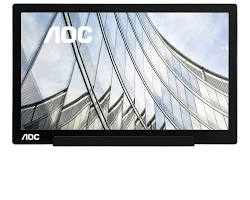
It is technically a 15.6-inch, but it may be worth considering among ultra-portability seekers. The 1080p IPS display and single USB-C port demonstrate impressive performance given their small size and mass. But when you require a lot of space on the screen, you can upgrade to a bigger computer display, such as the ViewSonic VX2458-MHD, which is a 23-inch computer monitor providing a much larger desktop, but at the cost of portability.
ViewSonic TD2455
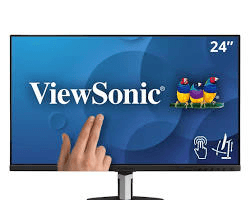
A 24-inch 1080p touch screen with an ergonomic height stand with height, tilt, and pivot options. Its 10-point touch is excellent in creative work or presentation, and it has two HDMI ports, which enhance flexibility. Nevertheless, the version is much heavier (6.5 lbs) and does not support USB-C PD, which makes it much bulkier than the UPERFECT alternatives, and is more of a semi-permanent additional display.
Lepow Z1-Gamut
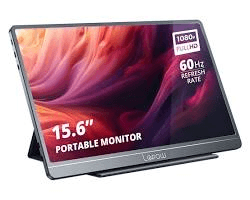
It emphasizes color accuracy and supports 100% Adobe RGB, which attracts photographers and designers. Its 24-inch 1080p IPS display, HDR, and two speakers are good. Its bulkier design, however, and the standard 60Hz refresh rate rather than the sleeker design of UPERFECT, are less conducive to the overall mobility of productivity.
Conclusion:
The portable 24-inch monitors are not a mere add-on; they are an essential improvement to contemporary productivity. It frees you from the limitations of a single screen, enabling you to multitask effectively at home, in the office, or on the road. UPERFECT has a wide variety of models, with distinctive solutions that match various needs, such as the high-end 4K image of the X Pro or the balanced portability of the Y Series and the performance of a versatile QHD of the Delta S. Alternatives to UPERFECT, such as ASUS and ViewSonic, are also valid contenders. Still, the company consistently delivers the best portability, new features such as robust USB-C PD, and display quality. Upgrade to a 24-inch portable monitor and make your laptop a dual-screen powerhouse– you will be glad you did.