
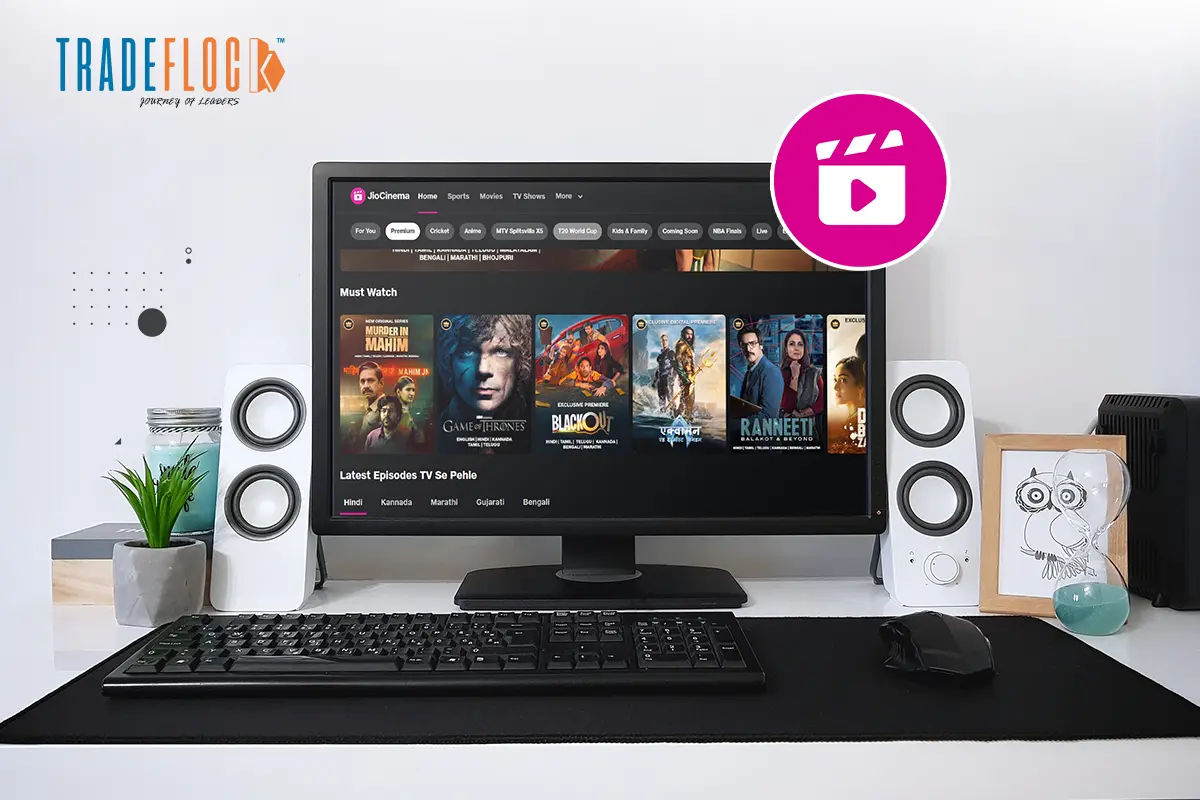
On the go streaming is one of the favourite activities of all age groups. With its massive library of movies, TV shows, web series, and sports, JoiCinema has become the go-to online streaming app for millions of users across India. While it is designed for smartphones, what if you want it for a bigger screen? Well, don’t worry; a JioCinema for PC is available.
If you have free time and want to enjoy a movie night, nothing can beat the fun of streaming movies on a larger screen. The cosy corner, a warm blanket, a tub full of popcorn, dim lighting, and your best friend – the movie party is all set to give you full-on entertainment vibes.
Know everything about JioCinema for PC and boost your viewing experience.
Table of Contents
Why Use JioCinema for PC?
While a mobile app is great for mobile streaming – convenient and compact, watching on a large screen significantly enhances the viewing experience. Here are some reasons why the JioCinema app for PC is worth considering.
Bigger Display – Movies, TV Shows and sports come to life when streamed on a large screen. The cinematic experience is much richer on a desktop or laptop.
Better Sound & Controls – PC generally has a better sound system, and you can even connect external speakers or headphones for superior audio quality.
Multitasking – One of the reasons to consider JioCinema for PC is that it allows for multitasking. Whether you’re working, browsing or studying, you can switch between the tabs constantly.
Extended Power – PCs, especially desktops, don’t run out of battery. As far as laptops are concerned, they have larger battery backups than smartphones, making them ideal for binge-watching.
Download JioCinema for PC: Step-by-Step Guide
Well, the JioCinema app is designed for mobile. There is no dedicated JioCinema app for PC. But you can easily download the following methods. Let’s have a look!
Method 1 – Web Version of JioCinema for PC
- Open your web browser (Opera, Firefox, or Chrome).
- Visit jiocinema.com
- Log in using your Jio number or through OTP verification.
- Start streaming instantly.
This is the easiest way to access JioCinema for PC without installing any extra software or app.
Method 2 – Using Android Emulator
If you prefer an app experience on your desktop, use an Android emulator, such as LDPlayer or alternatives like BlueStacks and Nox Player, to install the JioCinema app for PC.
- Download and install the Android emulator.
- Open the emulator and sign in with your Google account.
- Go to the Play Store inside the emulator.
- Search for ‘JioCinema’ and install it.
- Launch the app and start streaming.
This method is a little tricky, but particularly useful if you want app-like functionality and a familiar mobile interface using JioCinema for PC.
Method 3- Using Windows Subsystem for Android
Do you have Windows 11? You can run Android apps natively using the Windows Subsystem for Android.
- Install the Amazon Appstore from the Microsoft Store.
- Search JioCinema on the Amazon Appstore.
- Install and launch the app.
Although the support is limited, it is another viable way to experience JioCinema for PC.
Reasons You’ll Love JioCinema for PC
Regardless of the method you choose to use the JioCinema app on your PC, the experience and features remain impressive. Here is what you would experience-
- HD streaming
- Live sports
- Multi-language Support
- Ad-free experience
- Vast library
- Watchlist & resume
Using JioCinema for PC makes no difference; it is just as if you are streaming on a mobile device, in terms of features. However, the viewing, sound, and other experiences can be different.
JioCineman for PC: Unlimited Fun at No Cost
Do you have a Jio number? That’s all! Just open the app and enter your registered phone number, and you’re good to go. The JioCinema app for PC is the perfect solution for unlimited fun on a large screen without compromising on quality. So what are you waiting for? Whether you want stuff to reduce your stress after a long day, or are planning a movie date with your partner, download JioCinema for PC!
Note- JioCinema services are now integrated with Hotstar.